The Function of Notification Sending Has Added to Raysync Enterprise 5.0.5.8 Version
November 12, 2020Raysync notification function adds two methonds:
1) Send notification to the webpage mailbox of the sub-user.
2) Send an email notification to the mailbox of the sub-user.
Details:
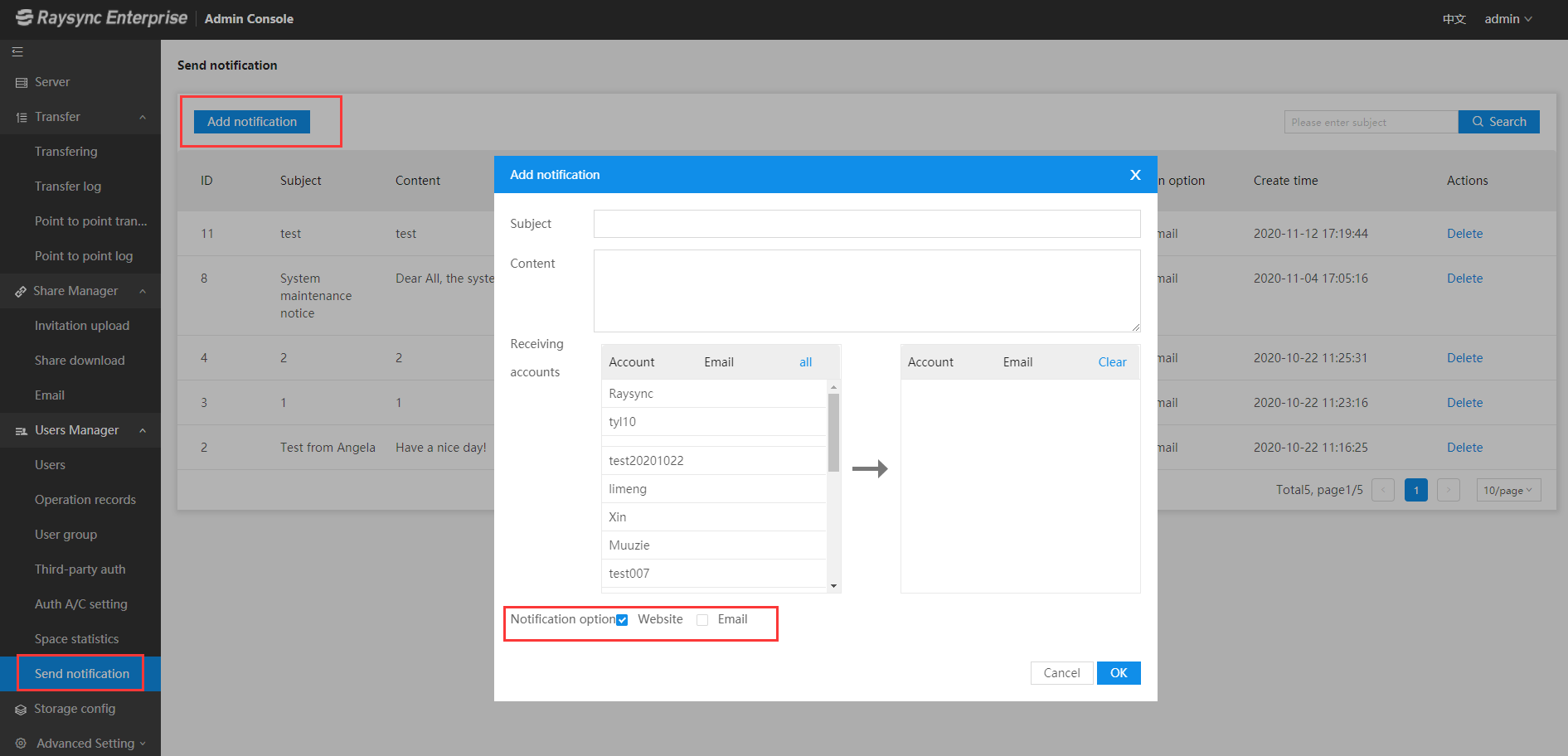
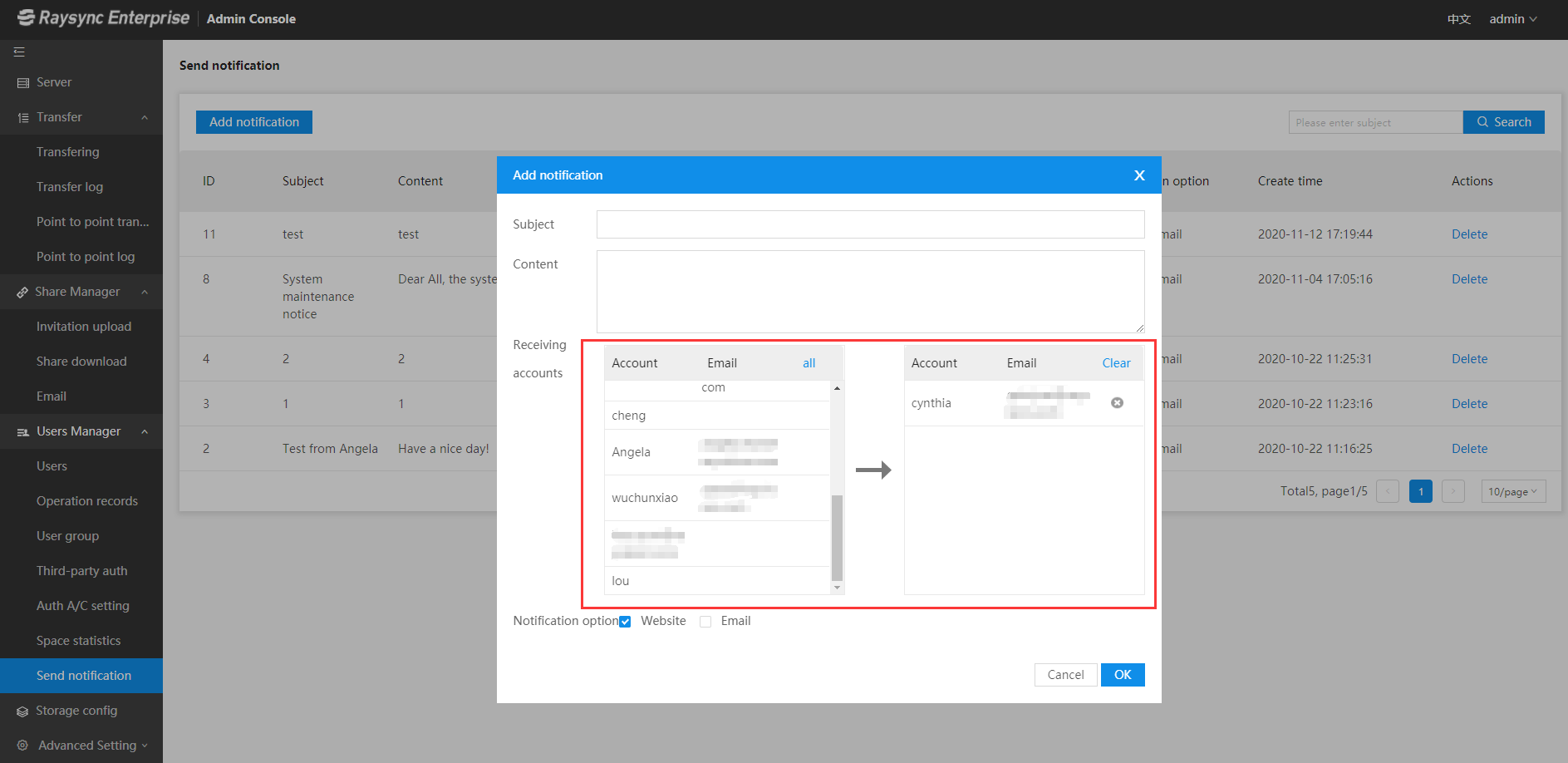
Log in to the Raysync admin portal-> Select "Send notification" under the option "Users Management"-> Click "Add notification" and edit the notification "Subject" and "Content"-> Select the "Receiving accounts"-> Check on the "Notification option" "Website" and "Email"-> Click "OK" to save all the settings.
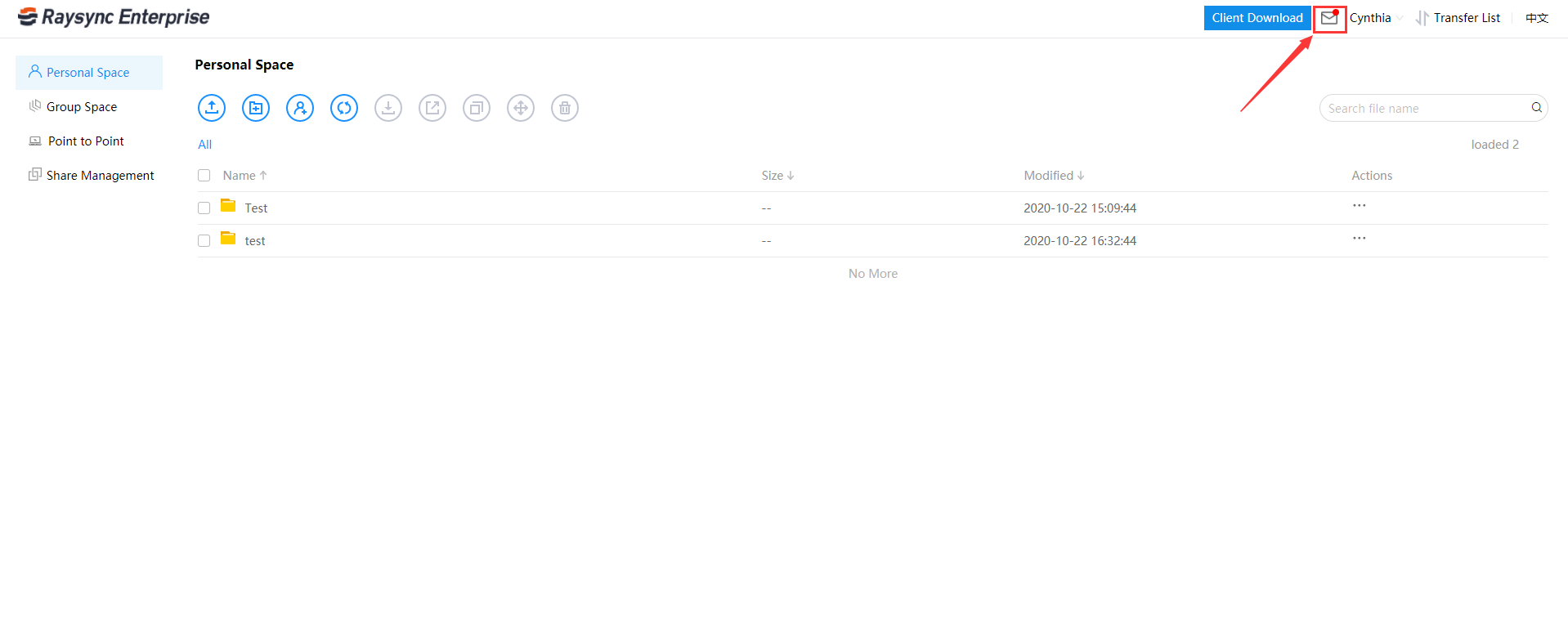
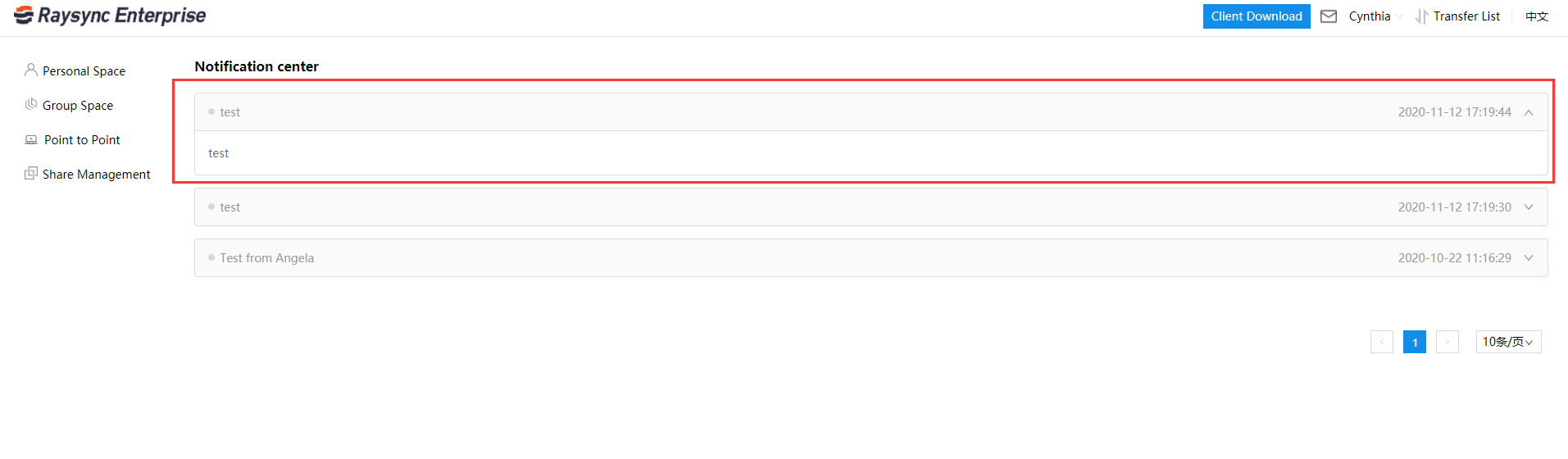
User receiving effect:
A Web-page
B Email
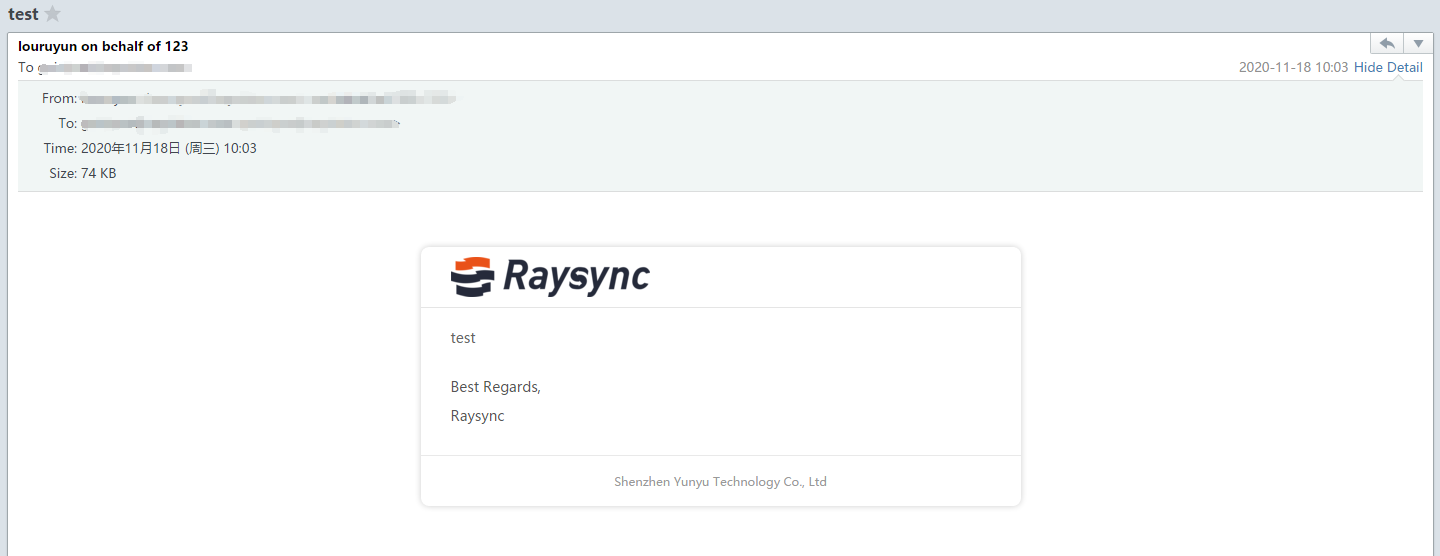
Note: Sender mailbox, mailbox display logo, and company name are configured by the administrator in the admin console.
Ayrıca hoşlanabilirsiniz
User Guide
December 11, 2020The system provides a weak password dictionary. Users can customize weak passwords that meet the password strength but are easy to be cracked by social engineering.
User Guide
June 23, 2021What is FTP (File Transfer Protocol) and a complete description of SFTP and TFTP? FTP, SFTP, and TFTP are protocols used to transfer files over the network.

User Guide
December 26, 2023The one-stop solution adopts the completely self-developed RadiumSpeed high-speed transmission technology, which greatly improves the efficiency of film and television production and distribution.